

It’s an easier to use, less annoying app

Apple’s AirDrop, tied with iMessage is arguably the second biggest software feature to buying an iPhone. Originally meant to be Apple’s answer to Bluetooth, the wireless transfer feature has had many a challenger from the world’s of Android and Windows, and arguably the most successful of those is Shareit. However in the past 2 years or so Shareit has become a mess, becoming an ad-infested, social media wannabe that’s also arguably become a security risk for your phone. Thankfully there’s an app that can properly replace it noww and has none of it’s downfalls, an app you may already have on your Android device Google Files(technically called Files by Google).
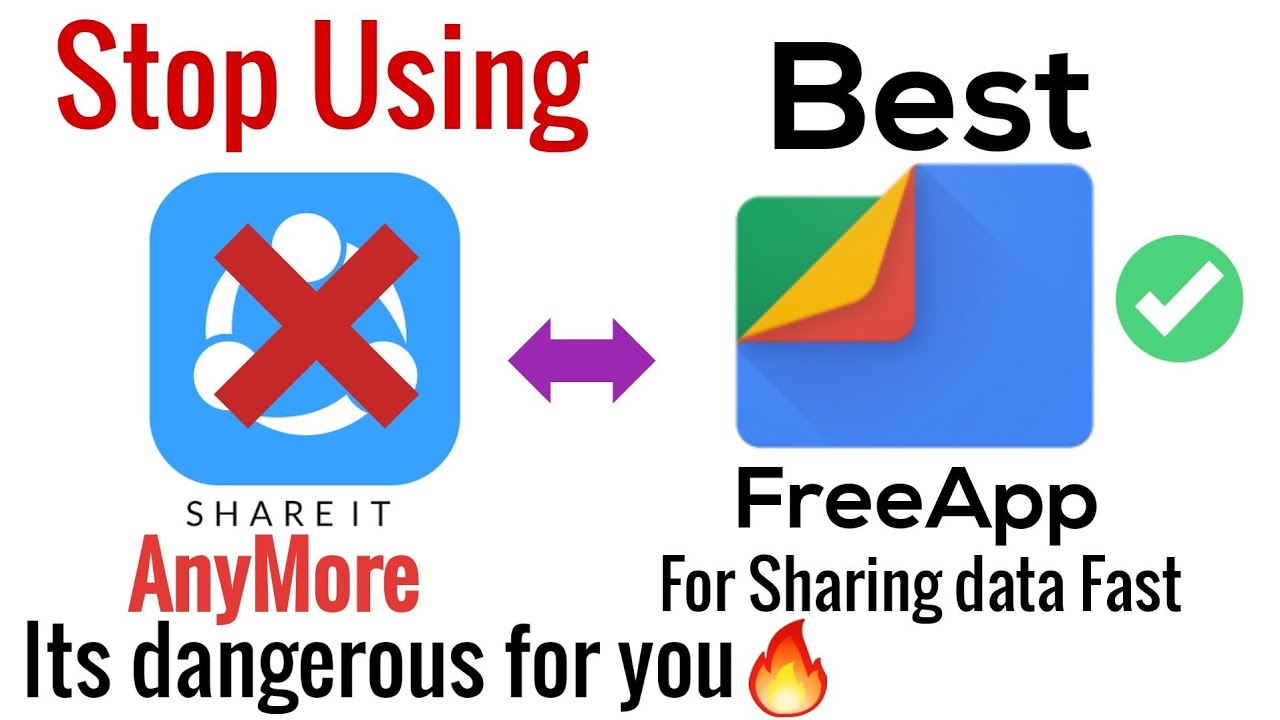
Now Files isn’t new. Since 2019 or so Google has had this little app slowly become the default file manager on a lot of Android phones, become a great clutter cleaner and storage management app, and now it’s properly become a file transfer hub like Shareit while having none of the major drawbacks, especially since it’s consolidating a lot of Google’s AirDrop killing attempts like Nearby Share into one app.
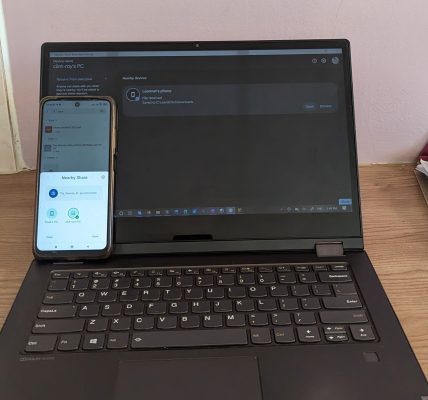
To use the file transfer feature, you can simply click share (or transfer) on the bottom three options at the bottom of the app, then click send on the share screen. The receiving device should click “receive” on the same screen. After that Files uses the Nearby Share feature that most Android versions above 6.0 come with to find available devices. Simply click on the receiving device and wait for it to accept the sending request and you’re done. The sending speeds are basically the same as Shareit (we’ll maybe do some testing to see which is faster) but outside of a slightly different process to how you get to send things, Files is a much easier and smoother experience than Shareit. Had this been compared to Shareit 4/5 years ago, I would’ve said Shareit wins, especially since it still has features like the QR code scanning.

Files also has 2 other downsides that should be pointed out. The first one is it seems to have limits on the number of files that can be sent depending on file type. I could send around 400 songs at once for example, but not 100 videos, so hopefully Google can optimize that sometime soon. The second is less likely to affect most people, but at the moment Files is only available on Android, which is where Shareit and of course AirDrop have it beat. Shareit allows you to send files to both you PC and iOS devices, though the implementation of both is often buggy and hard to use so how useful it is might be debatable based on how often you try to transfer files between devices. But honestly that aside I’ve moved all my transfers to Files now, mostly keeping Shareit for the odd friend who doesn’t have the Files app. It’s not a huge shift and honestly if Shareit hadn’t become the bloated mess it is now I wouldn’t have noticed Files as much. But I’m glad I did. It’s a far smoother experience and if you keep updating the app (along with your friends of course) it only seems to get better.Now if only Google could make a PC version of it.
You can check out Files by Google in the link below.
Files By Google on Google Play
Related Stories:
Ecocash Super App Review: Why is Ecocash a social media app now?
You have to check your EcoCash DM's now?
Read More
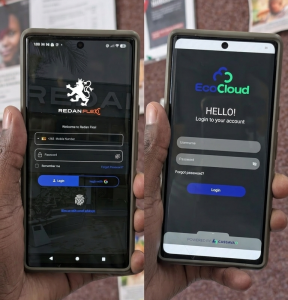
EcoCloud is the latest embarrassment in a trend of “unfinished” Zimbabwean Software
How are we not past this still?
Read More
The Digital Services Tax is a direct threat to progress and innovation in Zimbabwe.
Ignorance is not bliss
Read More
For Almost Three days, Ecocash’s Mastercard Issues left InDrive Drivers Stranded
Even letting Omari swoop right in for the win...
Read MoreAbout Author