

Awe, Windows 7. The once crown jewel of Microsoft’s empire and probably your favorite operating system if you’re reading this. And let’s agree on one thing: it’s amazing. It’s reliable, fast, responsive, but unless you want it to be a walking security risk to your whole life by January next year, it’s time you left it behind and moved on to something newer.
Now why or how will Windows 7 become a security risk? Well, just like Microsoft is doing with Windows phones, Microsoft will stop supporting Windows 7 next year in January. It announced this earlier this year though it was vaguely known that Windows 7 support was about to end soon as well. This will mean that Windows 7 will virtually become as risky and problematic as Windows XP is now, being open to almost any kinds of new malware attacks such as the WannaCry virus or worse. Now most websites on the net will also try and protect themselves from Windows seven PCs , and if you’re using one you may find some sites don’t even allow you to log in. This would all mean you’re essentially left with a PC that you can only use when it’s offline along with making sure you never put any files from other computers on it as if they have viruses on them your computer may be more vulnerable to them than others. Simply put, your machine becomes pretty close to useless and we’re sure none of you want that. Hence why whether you like it or not, this would probably mark the best time for you to move on from Windows 7 and finally use Windows 10. Now to be fair you can move to Windows 8 as well, but considering the user interface mess Windows 8 is if you don’t use a tablet as well as it having a shorter lifespan left as well, 10 is honestly the best option for you. It’s even technically immune to this obsolescence problem Windows 7 and 8 have because Microsoft themselves call it “the last version of Windows”. This means rather than releasing some big new version of Windows every three years Microsoft releases two free updates for Windows 10 each year that give it any new features which would otherwise be put into a whole new operating system. This also comes alongside the fact that Windows 10 has honestly proven to be just as reliable and capable as Windows 7 in the last few years, making it a worthy successor to anyone willing to take the leap. It even runs better on much lower end hardware than Windows 8 does, so if you have a 2GB Ram Dual core level machine, Windows 10 is probably still best for you even if you might have to turn off some features for speed purposes. However, if you’re using something even less powerful, perhaps you may want to look at the Linux side of things, as operating systems like Linux MINT still come with reasonable enough support for much older PCs.
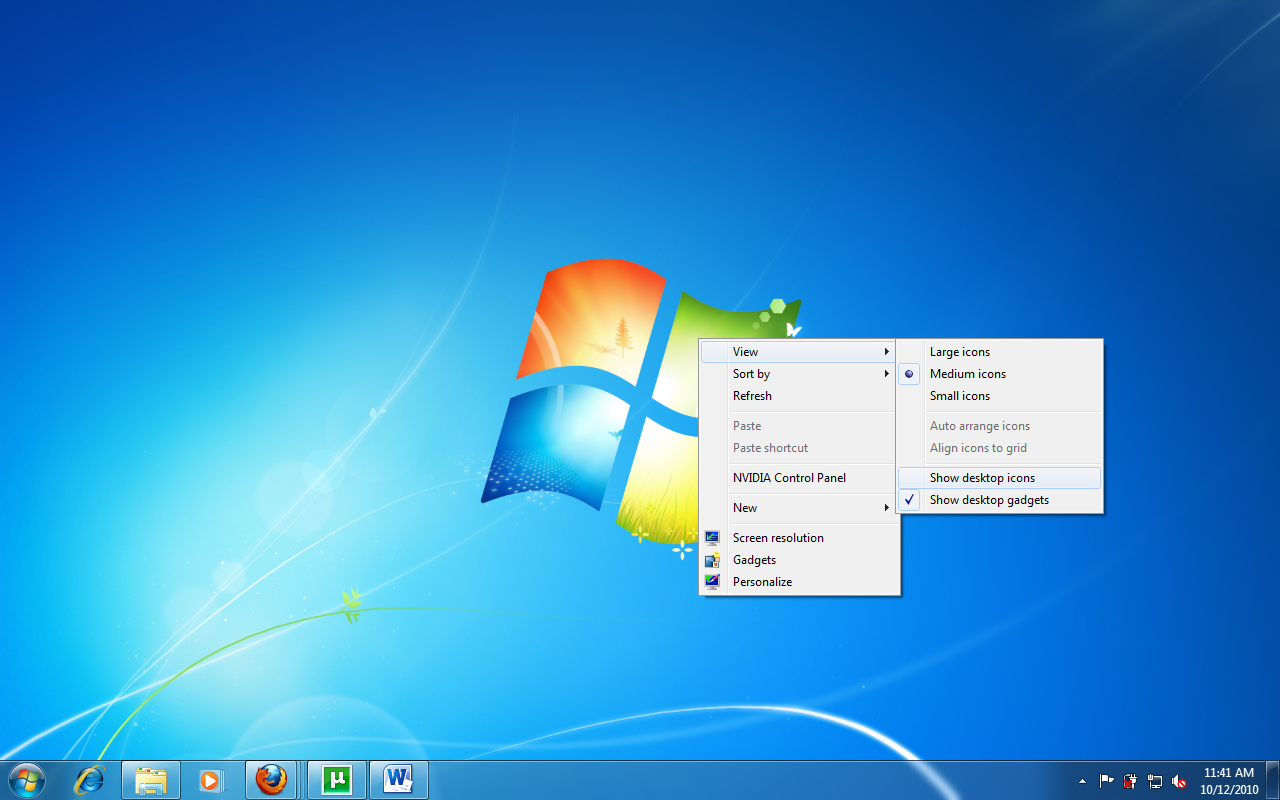
Either way, it seems the swansong for arguably Windows’ greatest champion has finally come on. And in the wake of that it’s time to give Windows 7 the goodbye it deserves, by leaving it amicably and not turning it into a security nightmare like so many have done with Windows XP by continuing to use it.
Are you still using Windows 7? Tell us why you still used it and will miss most about it in the comments below.
About Author