
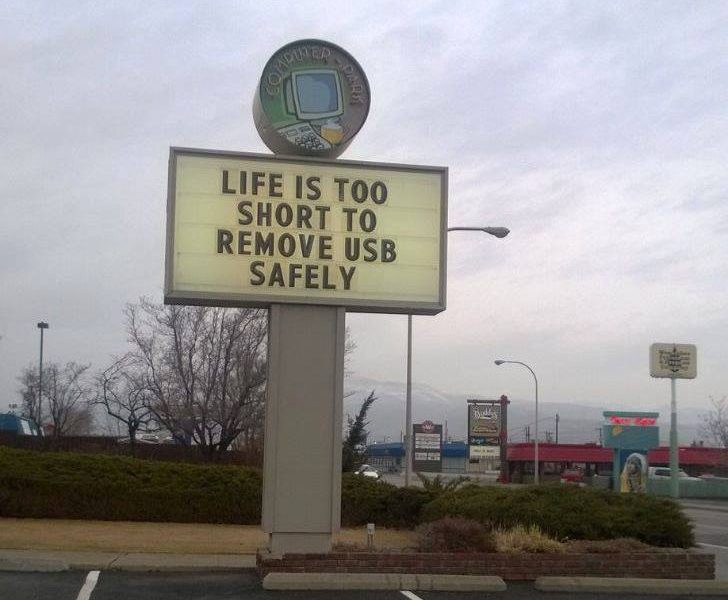

.……If you have Windows 10 that is

Having to safely remove a USB stick has always been one of the most annoying things you’re told you have to do on your computer. I mean think about it, if you want to remove a flash, just remove it, why do you have to click a few things to tell you computer that you’re removing it anyway. And while your “IT guru” friend probably told you that you shouldn’t randomly remove a USB to protect it from being corrupted(they were right) , you probably still felt it was an unnecessary step in the grand scheme of things. Well it turns out Micrsoft agrees with you , because it just stated that for everyone with the Windows 10 October update from last year, you could probably just yank out a flash from your PC and have much lower chances of harming it. This is due to the “quick removal” feature Microsoft introduced in that update which stops windows from writing a cache on the USB which meant it would be continuously writing to it. Hence, when you would randomly remove the flash, you ran the risk of data being corrupted due to Windows being in the middle of a writing process. However with the ‘quick removal’ feature Windows disabled the process of constantly writing to a disk, and while it does cause a slight decrease in speed when writing something, it probably is the kind of sacrifice most people can make if it means they can laugh in the faces of their “IT guru” friend that they’re wrong for once. Unfortunately this is still a feature for a limited number of Windows 10 users, but we’re sure with time it will roll out to just about everyone. And again this reduces chances of to a very low percent of you harming your flash by just yanking it out, but let’s try to not overdo it guys?
Keep it here for more Tech News Updates.
About Author